Hotels · Camps · Homestays
Book hotels, camps and homestays in India
Live availability from each property, the full price with GST before you pay, and the cancellation policy up front.
Live availability
Rooms come straight from each property's own inventory on Nest Grid, so what you see is what's available.
Full price before you pay
See the room price, GST and total for your dates and guests before you confirm.
Cancellation policy up front
Each rate shows its cancellation policy, so you know the terms before you book.
Book on any phone
Search and book in the browser, the Android app, or from your iPhone home screen.
Featured stays
Hotels, camps and homestays you can book on Nest Grid.
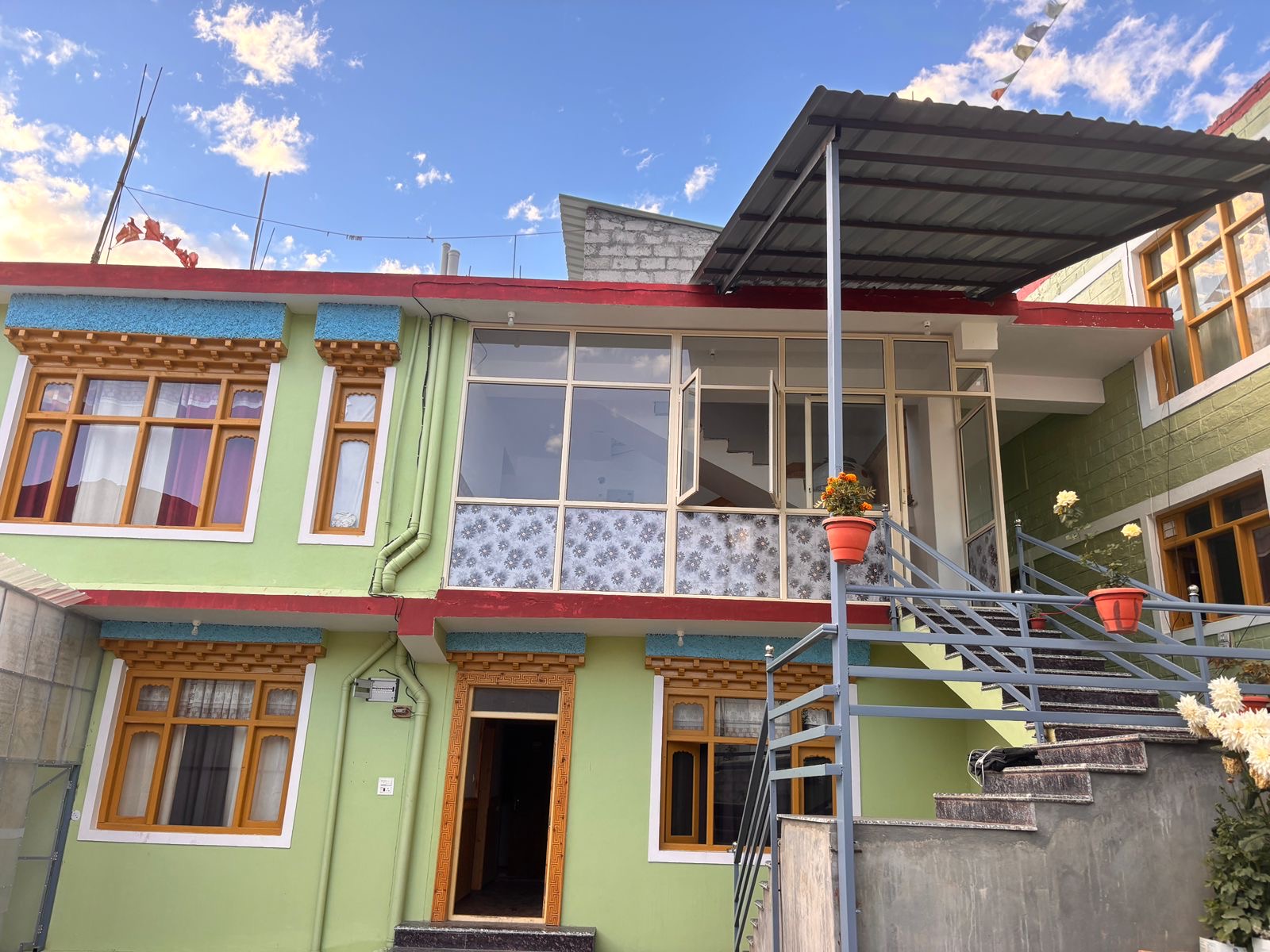
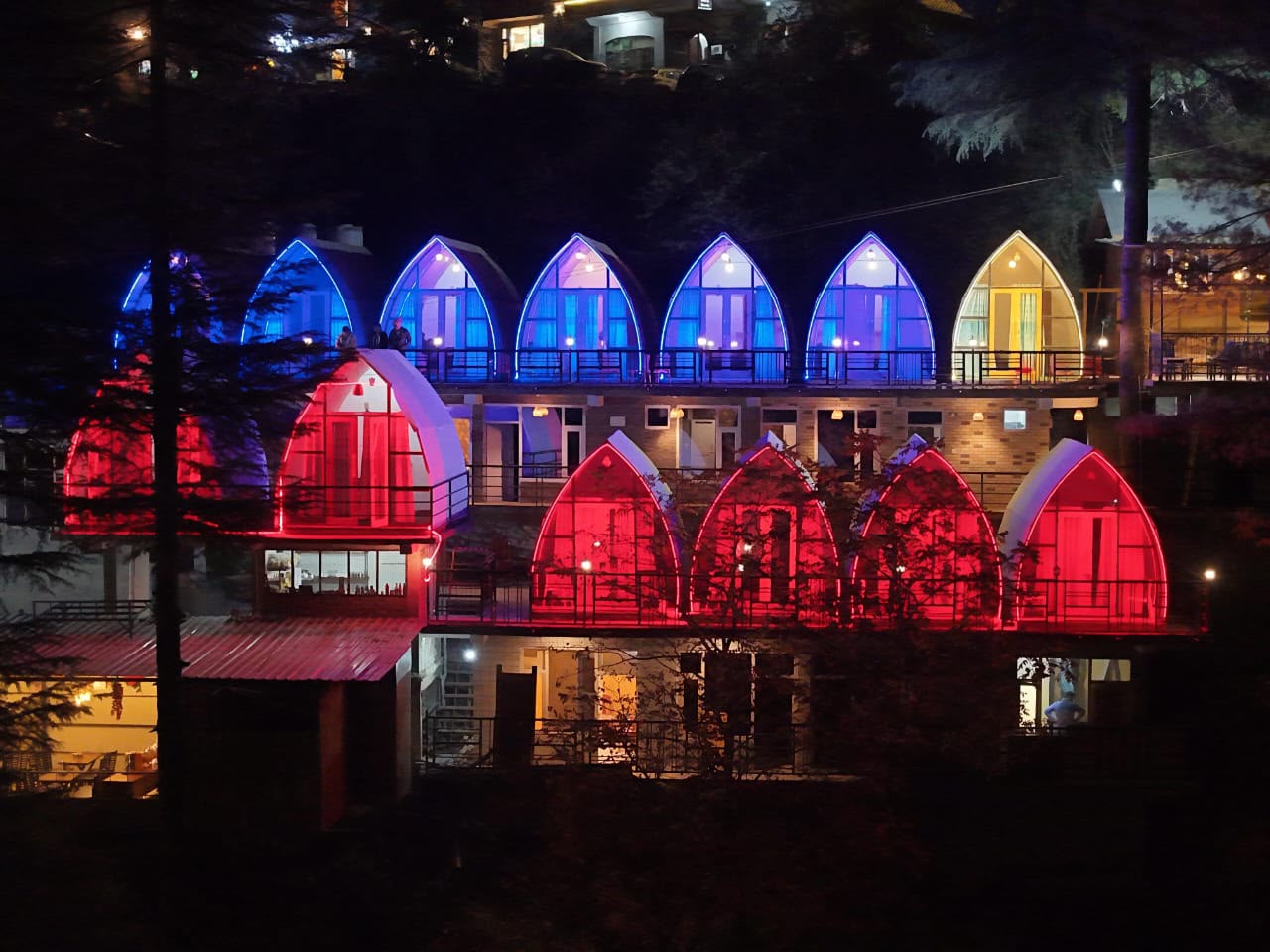
Where you can stay
For travel agents
Book stays for your clients and send quotations in minutes
- Live availability and meal plan prices by date
- Book at the hotelier's rate plus GST
- Client quotations with your own markup
- Bookings, vouchers and invoices in one place
What Guests Say
Reviews from guests, shown after our team checks them.
Booking questions
How do I book a stay on Nest Grid?+
Search for a destination or hotel, pick your dates and guests, choose a room and meal plan, then sign in with your mobile number to confirm the booking.
Do the prices include GST?+
Prices on hotel cards are per night before GST. The full total, including GST, is shown for your dates and guests before you pay.
Can I pay at the hotel?+
You can pay online when you book. Some properties also offer pay at hotel, which is shown on the booking page when it's available.
What is the cancellation policy?+
Each rate shows its own cancellation policy on the hotel page. If you cancel, any refund follows that policy.
What do EP, CP and MAP mean?+
They are meal plans: EP is room only, CP includes breakfast, and MAP includes breakfast and one main meal. Each hotel shows the plans it offers and their prices.
I'm a travel agent. Can I book for my clients?+
Yes. Register as a travel agent to see live availability, book at the hotelier's rate plus GST, and send quotations to your clients.
 Nest Grid app
Take Nest Grid with you
Search stays, book and keep your bookings on your phone. Download the Android app, or add Nest Grid to your iPhone Home Screen. No App Store needed.
Android
Download and install the Nest Grid APK. Allow “Install unknown apps” for your browser if Android asks.
Download APKiPhone & iPad
Open nestgrid.in in Safari, tap Share, then “Add to Home Screen”. The app icon appears on your Home Screen.
Own a hotel, homestay or camp?
List your property on Nest Grid and take bookings from guests and travel agents.